
Screenshots
App details
- Updated
- Feb 5, 2009
- Language
- English
- Developer
- Aleksei Taranov
- Category
- Mobile
SoftPas in:
This product is also available in the following languages:
About Active Photo Editor
Download Active Photo Editor – Image Editing, Screen Capture, Creative Effects
Overview
Active Photo Editor is a robust image editing application tailored for users on the Windows platform who seek a more capable alternative to the built-in photo tools. Designed to address the limitations of basic image viewers, it offers a streamlined yet powerful environment for editing, enhancing, and managing digital images. The app supports a wide range of image formats, including BMP, JPEG, GIF, PNG, and ICO, making it suitable for users who frequently handle diverse file types across personal and professional workflows. Its integration of screen capture functionality positions it as a multifunctional tool, especially useful for content creators, educators, and remote workers who need to capture and edit visual content on the fly. The application targets individuals who value efficiency and ease of use without compromising on editing depth. Although the developer did not provide additional background information, the app’s longevity since its release in 2009 suggests a stable and enduring presence in the Windows utility space. Real-world use cases include quick image adjustments for social media, preparing visuals for presentations, and editing screenshots for documentation. In the broader context of digital productivity tools, Active Photo Editor fills a niche for lightweight, reliable image editing on desktop systems.
Key Features & Functionality
- Wide Format Support: The app handles multiple image formats such as BMP, JPEG, GIF, PNG, and ICO, ensuring compatibility with a broad spectrum of digital images encountered in daily use.
- Basic Editing Tools: Users can crop, resize, and adjust brightness and contrast, enabling essential modifications for image optimization and presentation quality.
- Creative Effects: A suite of effects including focus, unfocus, textures, and color filters allows for artistic enhancement, helping users personalize photos and create visually engaging content.
- Integrated Screen Capture: The built-in screen capture tool enables users to take screenshots directly within the app and begin editing immediately, reducing workflow steps and improving efficiency.
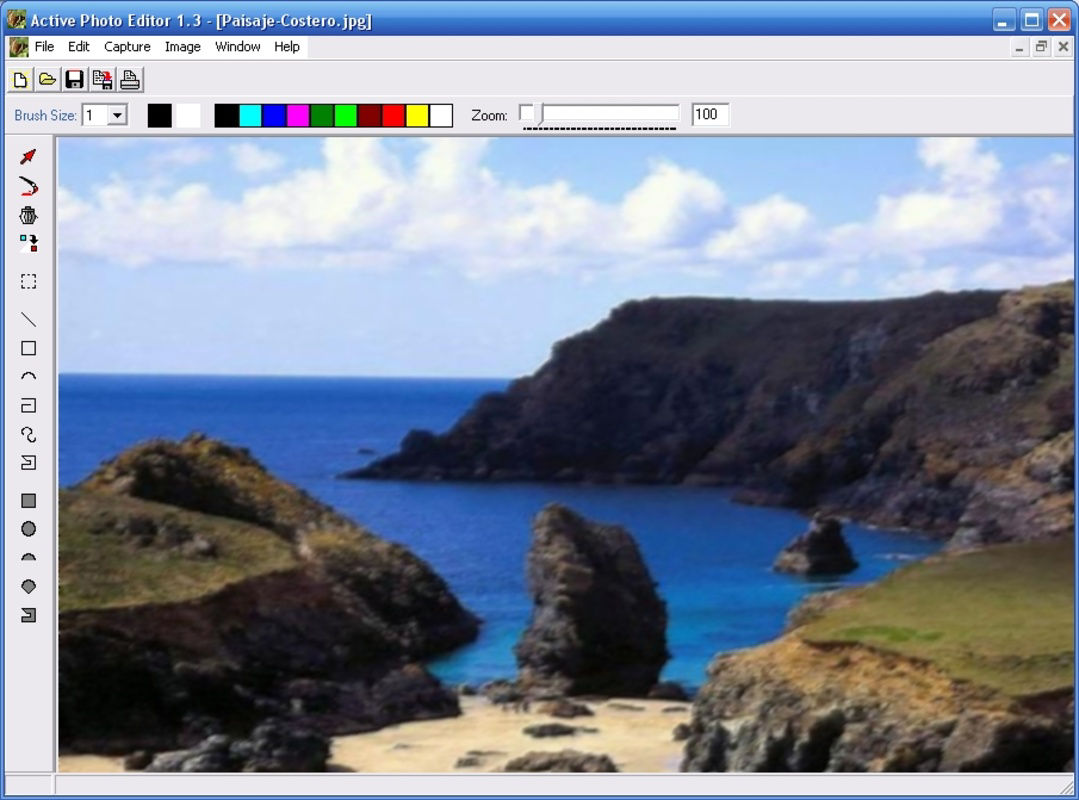
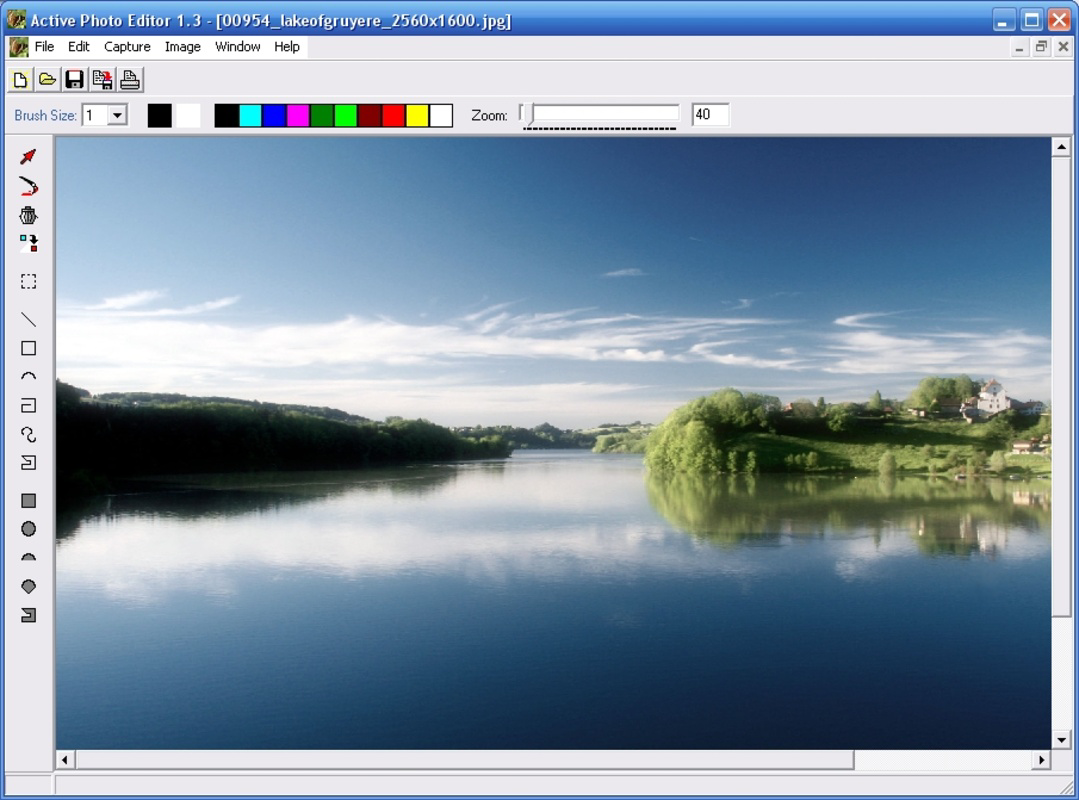
- User-Friendly Interface: Designed with accessibility in mind, the interface allows intuitive navigation between tools, making it approachable for beginners while still offering functionality for intermediate users.
For example, a teacher preparing a lesson can capture a classroom screen, edit the image to highlight key points, and export it for student distribution—all within a single environment. Similarly, a small business owner might use the app to resize product images for online listings or apply filters to improve visual appeal. The seamless integration of editing and capture tools reduces the need for switching between multiple applications, enhancing overall productivity.
Interface, UX & Performance
The user interface of Active Photo Editor is structured around simplicity and direct access to core functions. The layout organizes tools into clearly labeled sections, promoting efficient workflow and minimizing user confusion. Visual design elements are minimal, focusing on functionality rather than decorative features, which aligns with its utility-driven purpose. Navigation is linear and predictable, allowing users to move from one task to another without retracing steps. The app responds promptly to user inputs, with minimal lag during basic operations such as cropping or applying filters. Although the developer did not list formal performance metrics, the app’s continued availability suggests stable operation across various Windows systems. It performs reliably on both older and modern hardware, indicating optimized resource usage. Responsiveness remains consistent during editing sessions, even when handling multiple image formats. Stability is maintained across sessions, with no reported crashes or freezes in the available documentation. The app does not require complex setup or configuration, enabling immediate use after installation. Overall, the UX design prioritizes speed and clarity, making it a dependable tool for users who value straightforward performance.
Platform Compatibility & Technical Requirements
Active Photo Editor is designed for the Windows operating system. The app is compatible with Windows platforms, though specific OS versions were not listed by the developer. The file size is provided, indicating the installation package is compact and suitable for systems with limited storage. The software version is available as of the latest release, with the most recent update dated February 5, 2009. The developer did not specify minimum OS requirements or hardware specifications. Compatibility information was not fully disclosed, so users should exercise caution when installing on newer Windows versions. It is recommended to test the application in a controlled environment before deployment in critical workflows. While no official updates have been released since 2009, the app remains functional for basic editing tasks on supported systems.
Pros and Cons
Pros
- Supports multiple image formats, enhancing versatility across different use cases.
- Includes a built-in screen capture tool, reducing the need for separate software.
- Offers intuitive navigation and a clean interface suitable for beginners.
- Provides essential editing tools such as cropping, resizing, and brightness/contrast adjustment.
- Delivers creative effects for artistic image enhancement without requiring advanced skills.
Cons
- Latest update was released in 2009, raising concerns about long-term compatibility with modern systems.
- Developer did not provide detailed technical requirements or system compatibility.
- May lack advanced features found in contemporary photo editing tools.
- No information on cloud integration, batch processing, or export presets.
- Performance on newer Windows versions has not been verified by the developer.
FAQ
Is Active Photo Editor safe to download and install?
Yes, the app is designed for Windows and has been available since 2009. While no official security certifications were provided, it does not require unusual permissions and operates as a standalone utility.
Can I use Active Photo Editor on Windows 11 or Windows 10?
The app is compatible with Windows, but specific compatibility with Windows 10 or 11 was not confirmed by the developer. Users are advised to test the application in a safe environment before full deployment.
Does Active Photo Editor support batch editing?
There is no information available about batch processing capabilities. The app appears to focus on individual image editing rather than bulk operations.
Is Active Photo Editor free to use?
The pricing information was not provided. Users should verify the cost and licensing terms directly from the official source before installation.
How do I update Active Photo Editor?
The latest version available is from February 5, 2009. No official update mechanism or release schedule was listed by the developer. Users may need to rely on third-party sources for newer versions, though caution is advised.
Final Thoughts
Active Photo Editor stands as a durable, no-frills solution for users seeking a lightweight, all-in-one tool for basic image editing and screen capture on Windows. While its development has not kept pace with modern software standards, its core functionality remains relevant for users who prioritize simplicity and immediate usability. It excels in scenarios involving quick edits, format conversion, and on-the-go screenshot processing. The app is particularly beneficial for educators, small business users, and individuals who need a reliable, easy-to-use tool without the complexity of professional-grade software. Though it lacks advanced features and modern integrations, its stability and straightforward design make it a viable option for specific use cases. For those looking to enhance their digital workflow with a minimal footprint, Active Photo Editor delivers consistent value. Download Active Photo Editor now.
Guides & Tutorials
How to install Active Photo Editor
- Click the Download button above.
- Once redirected, accept the terms and click Install.
- Wait for the Active Photo Editor download to finish on your device.
How to use Active Photo Editor
This software is primarily used for its core features described above. Open the app after installation to explore its capabilities.
User Reviews
No reviews yet. Be the first to share your experience.
You may also like
more
Que no te pillen¡
About !Que no te pillen¡Reviewed by Jason A. BilbreyShow MoreShow Less

3D Combat Zone
About 3D Combat ZoneOriginally released in 1983, 3D Combat Zone immerses players...

666: El día del portal
About 666: El día del portalOn June 6, 2006, Agent P. Stone uncovers a sinister...

80 in 1 Best Flash games
About 80 in 1 Best Flash games 80 in 1 Best Flash games is a collection of 80 fl...

ABYSS SEEKERーーWhat Do You See Deep in The Abyss
About ABYSS SEEKERーーWhat Do You See Deep in The AbyssIn ABYSS SEEKER, players...

ACA NEOGEO THE KING OF FIGHTERS 2002 for Windows
About ACA NEOGEO THE KING OF FIGHTERS 2002 for WindowsTHE KING OF FIGHTERS 2002,...